A surface that holds its own.
Opaque semantic panels keep desktop colors from bleeding through the popover. Light and dark appearances retain clear status, instructions, and actions.
Project / Case study
A native macOS companion for the moment between focus and fatigue.
I designed and built a menu bar utility that turns “I need a break” into one practical action. Choose how you feel and how much time you have. The rest stays small.
Explore the loop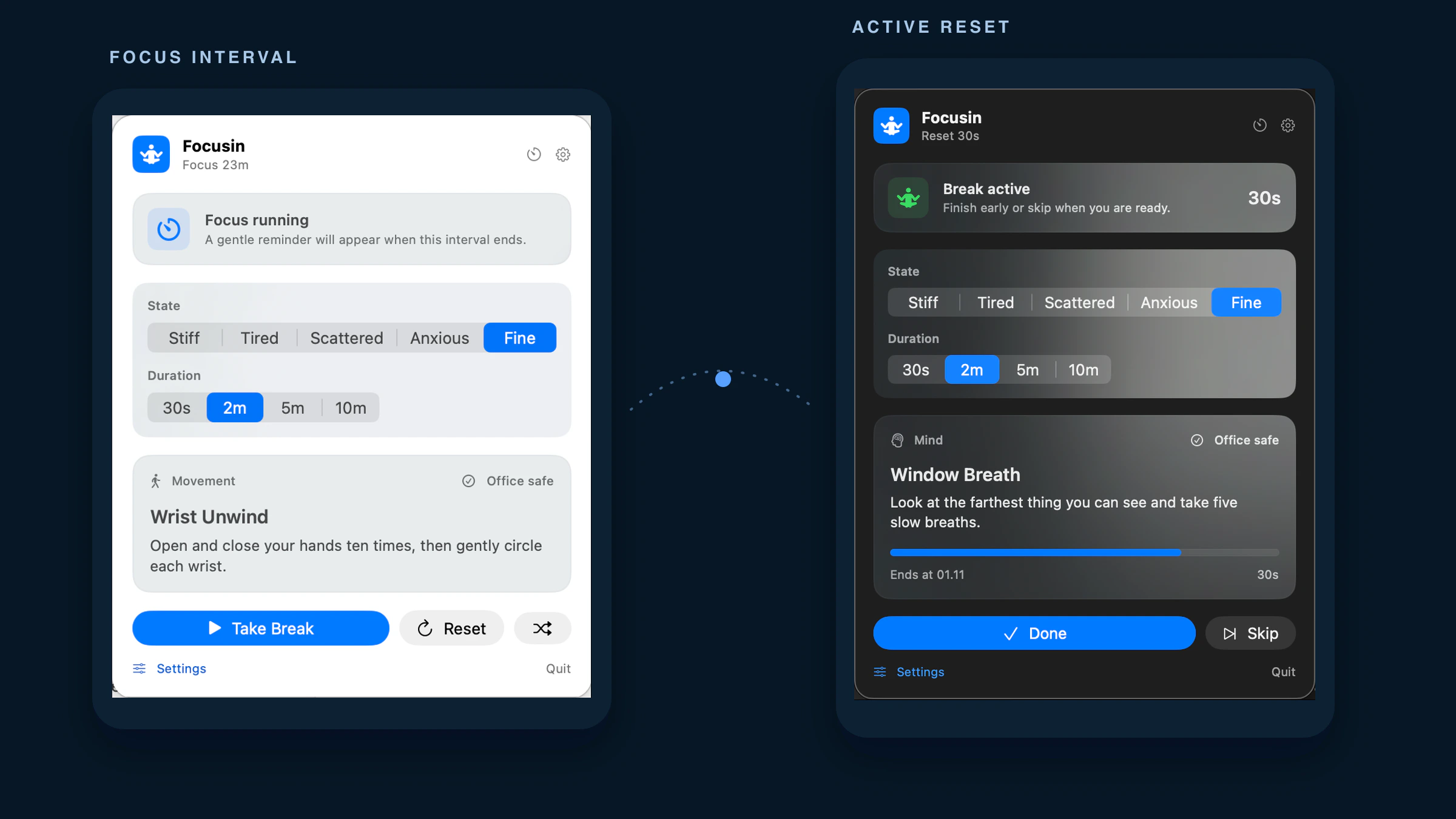
When attention is running low, choosing a useful break can feel like another task. I reduced that decision to two inputs: your current state and the time you have.
One optional reset, close to the work. No account, streak pressure, or network connection. General-wellness prompts, without clinical promises.
Choose a moment to inspect the actual interface. Completing, skipping, or finishing a timed break starts the next focus interval.
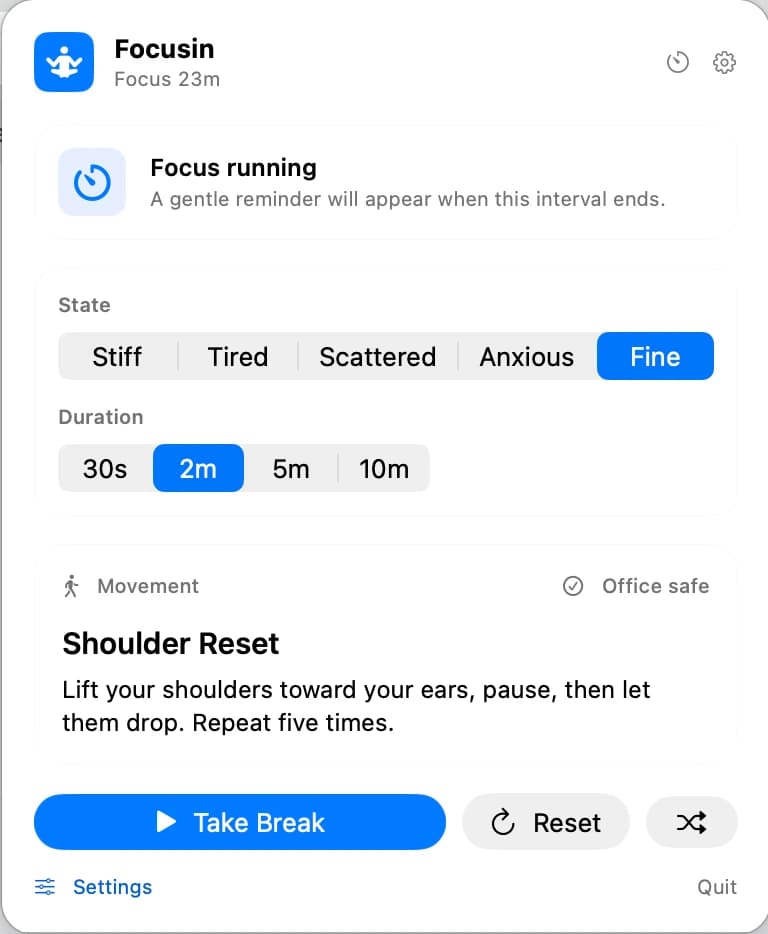
The interval lives in the menu bar. Open the popover to check the time, choose how you feel, or take an earlier break.
A small utility should fit around work. The main interaction stays one click away, without a separate dashboard.
Recent work made the surfaces quieter, the controls easier to access, and recovery more explicit.
Opaque semantic panels keep desktop colors from bleeding through the popover. Light and dark appearances retain clear status, instructions, and actions.
Stable VoiceOver progress semantics avoid countdown chatter. Settings actions expose named buttons, and larger text expands the layout.
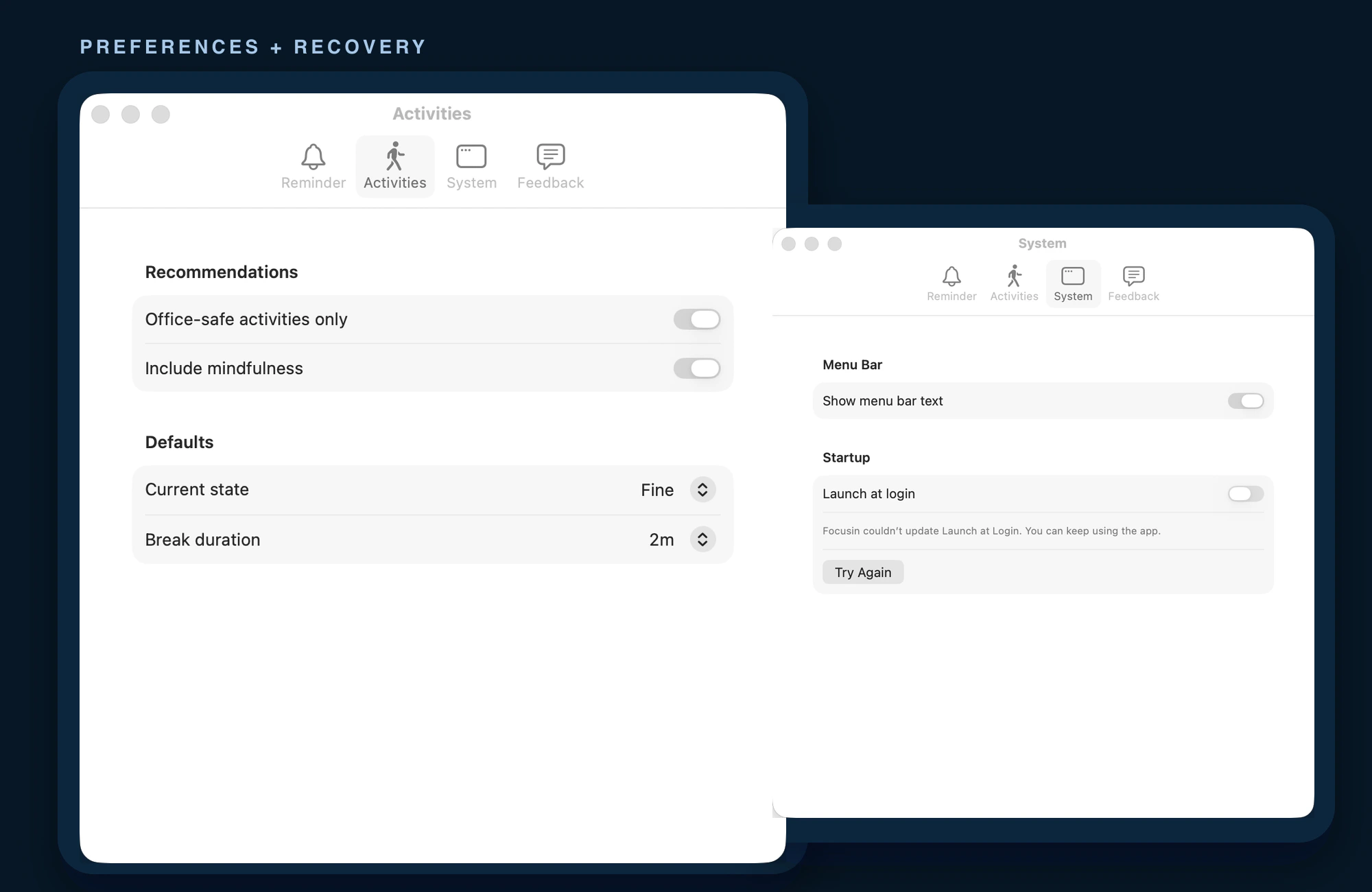
Select a situation to see the implemented behavior. These are explanations of the state contract, not live native-app simulations.
Dates are persisted; a missed countdown tick cannot extend the interval.
SwiftUI popover and Settings; AppKit handles desktop lifecycle events.
A MainActor store reconciles deadlines, activity identity, and reminders.
Codable settings and daily history; 21 bundled, reviewed activities.
The recorded baseline covers 54 deterministic tests. Recorded native appearance and accessibility checks support the design.
Source-repository evidence, not usability or adoption metrics.
Signing, exact-candidate platform checks, and the planned 5–8 person beta. No App Store release or user outcomes yet.
Explore the other current projects where product thinking is carried through interface, architecture, testing, and release.
From market context to a research note you can inspect
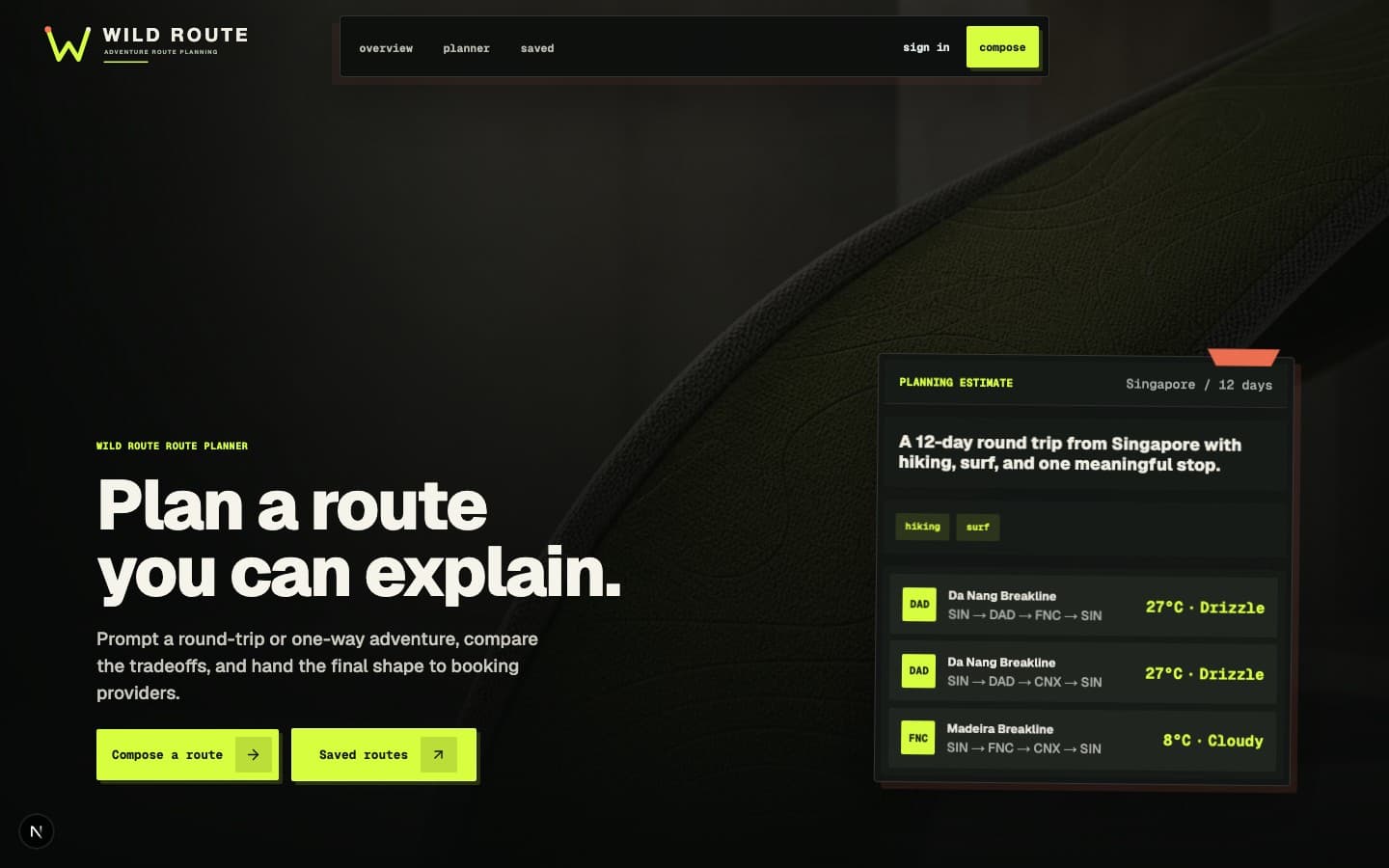
Prompt-first route planning for adventure travelers
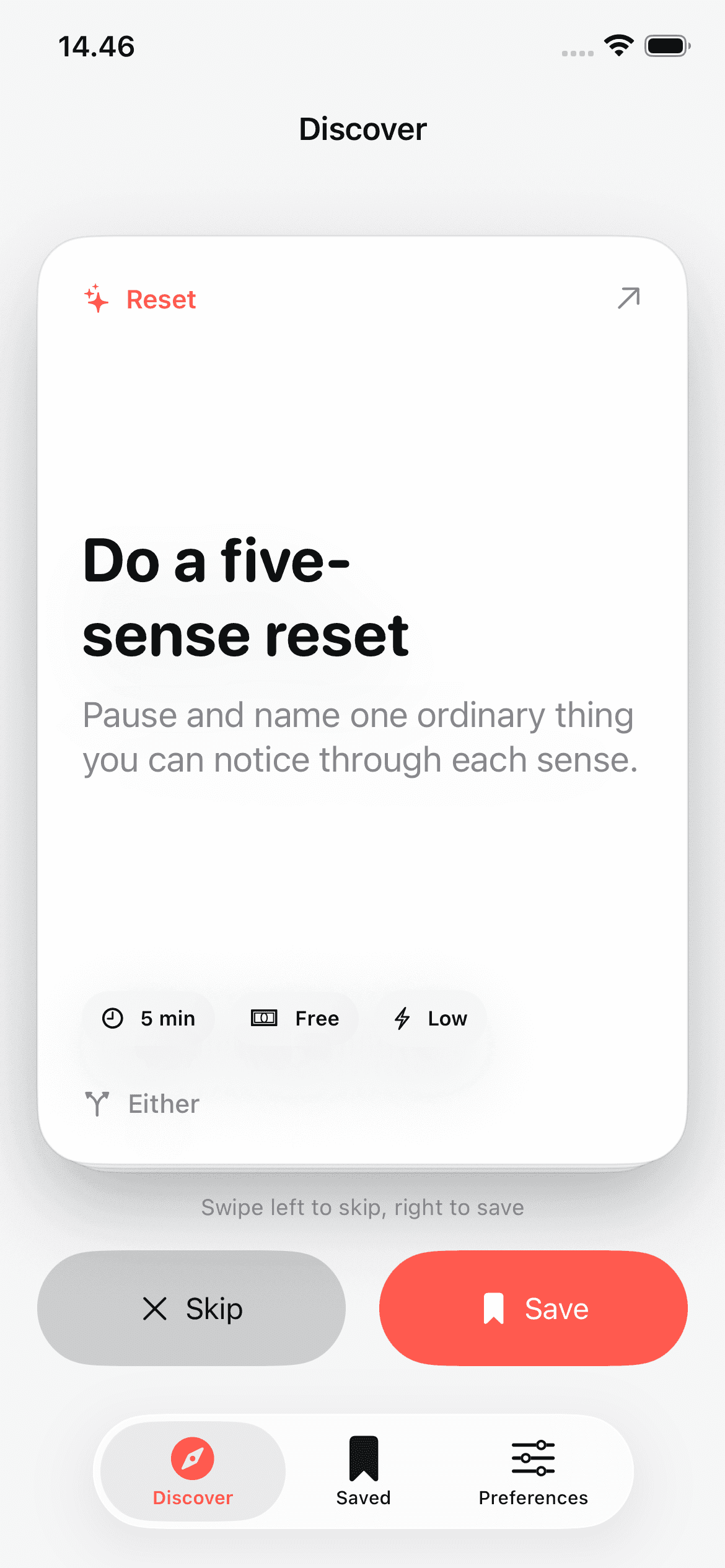
A native iOS activity deck for the moment between plans
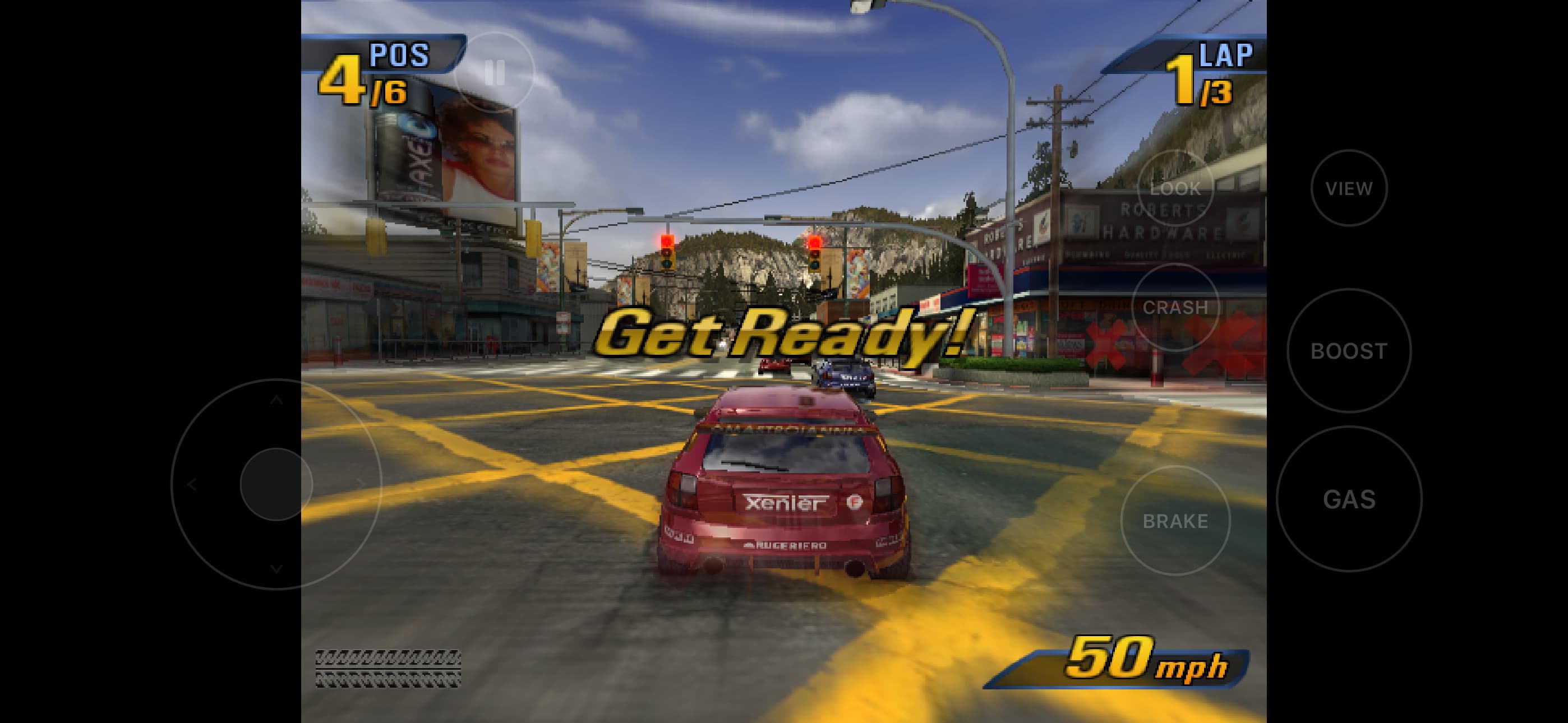
A native iOS port of a 2000s racing favorite